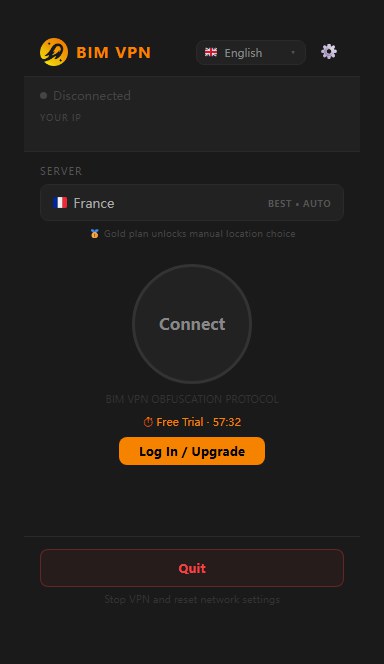
Download and install
BIM VPN is available for macOS and Windows from the download section of bimvpn.xyz. An Android build is also published there. The iOS app is not released yet.
Current versions
| Platform | Version | Requirements | File |
|---|---|---|---|
| macOS | 2.0.59 | macOS 10.14 or later, Intel or Apple silicon | BIM-VPN-macos-mojave-compat-v2.0.59.dmg |
| Windows | 1.2.77 | Windows 10 or 11, x64 | BIM-VPN-windows-x64-v1.2.77.exe |
| Windows | 1.2.77 | Windows 11, ARM64 | BIM-VPN-windows-arm64-v1.2.77.exe |
| Android | 0.1.48 | Android 8 or later | BIM-VPN-android-v0.1.48.apk |
The app checks for updates on launch and tells you when a newer version is out.
Check the download (optional)
Compare the SHA-256 of the file with the value below before you open it.
| File | SHA-256 |
|---|---|
| macOS 2.0.59 DMG | 397e804e7f056691decc85e1d9ae7b4982b9e3d86b220ab1bb31f6fe21530ad1 |
| Windows 1.2.77 x64 installer | 81768d07824cca56b4de51815ffd9890b19e5cb58ff84337bb1f90312307a3e5 |
| Windows 1.2.77 ARM64 installer | 508caf257e761a69573d5c33b4c56f907b896c101462e7900971b77f5d60c52a |
| Android 0.1.48 APK | 52133328032fa51ad1a59d35e5e7444c255cf871bf490e48173ffeabf411c322 |
# macOS, in Terminal
shasum -a 256 ~/Downloads/BIM-VPN-macos-mojave-compat-v2.0.59.dmg
# Windows, in PowerShell
Get-FileHash $HOME\Downloads\BIM-VPN-windows-x64-v1.2.77.exe -Algorithm SHA256
macOS
- Download the DMG and open it.
-
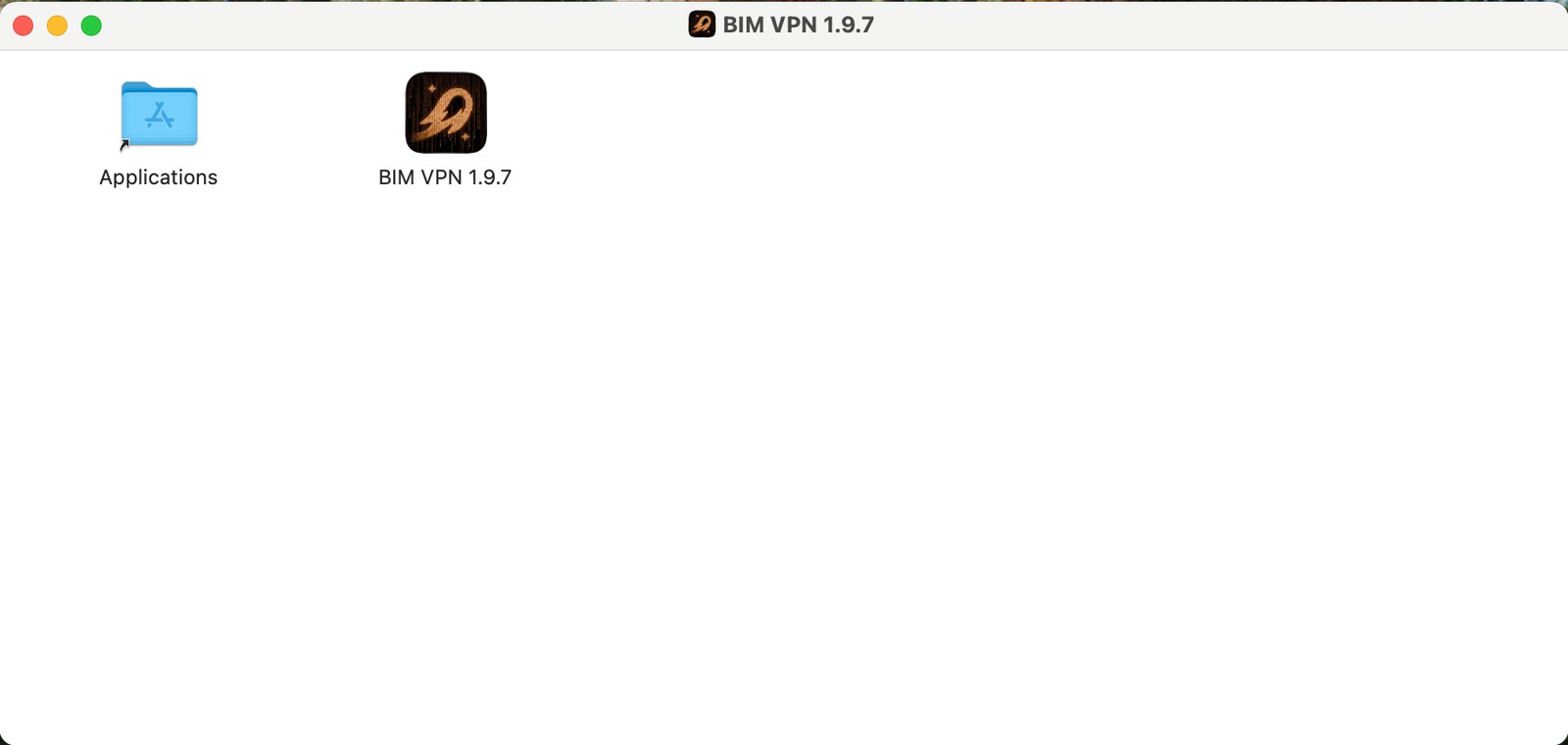
Drag BIM VPN into Applications.
-
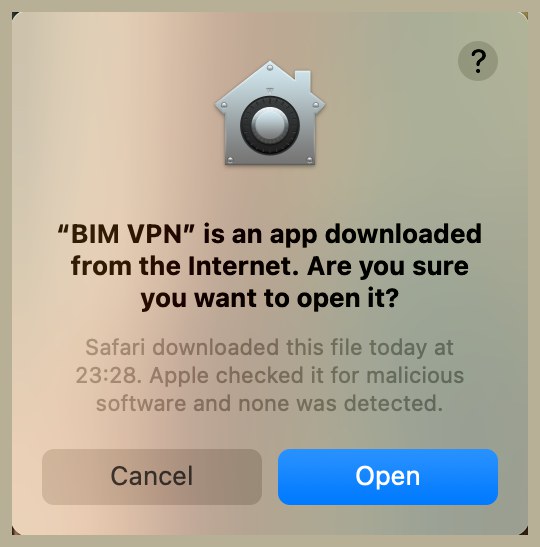
Open BIM VPN from Applications. macOS asks: "BIM VPN" is an app downloaded from the Internet. Are you sure you want to open it? Click Open.
-
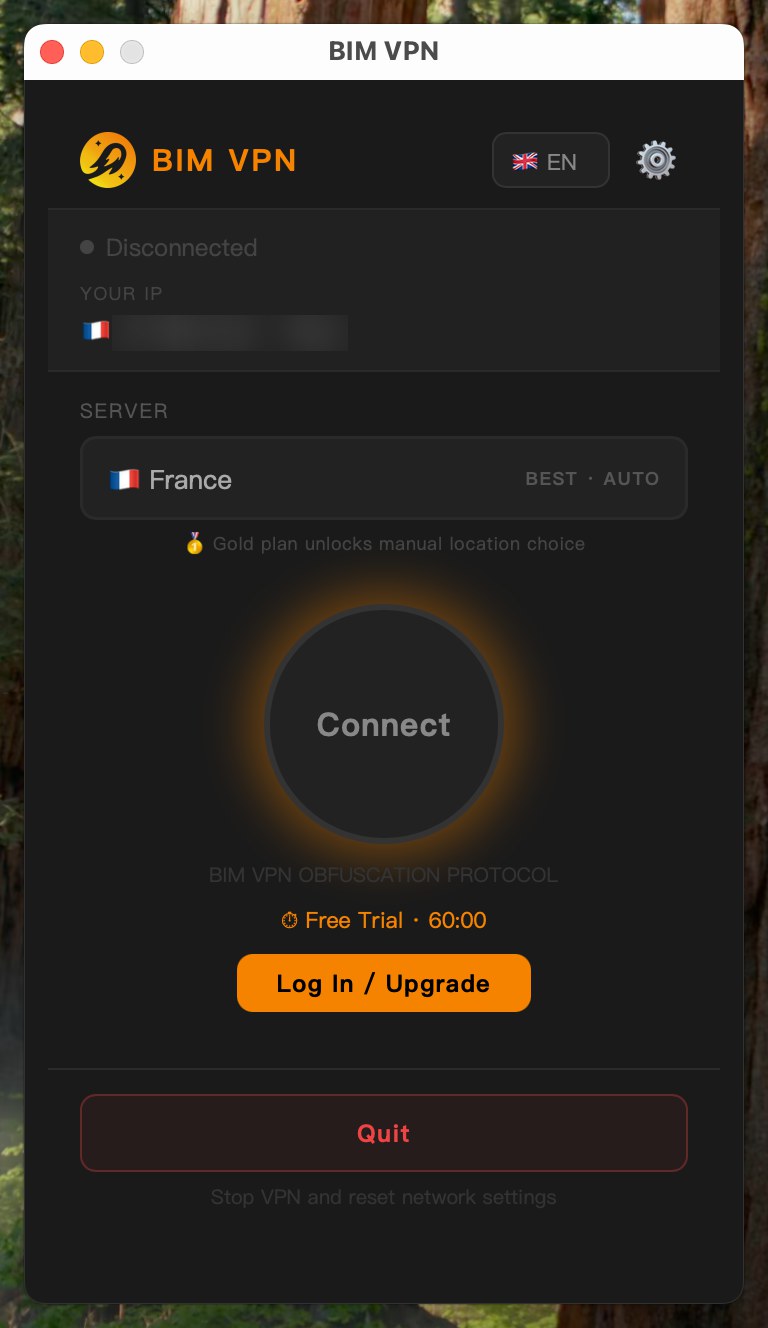
macOS asks you to allow the BIM VPN network extension in System Settings > Privacy & Security; click Allow.
Updating from 1.8.x: restart your Mac
Version 1.9.1 replaces the network extension. Until you restart, macOS keeps the old extension waiting to uninstall and the new one does not start, so the VPN looks completely dead. Restart once after the update and it connects normally.
Windows
- Download the installer and run it.
- Windows asks for permission to make changes; click Yes.
-
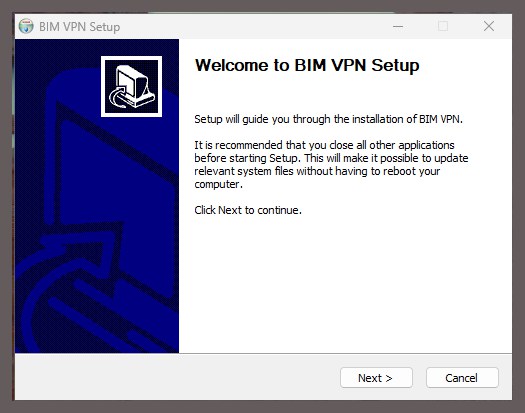
The installer opens on Welcome to BIM VPN Setup. Click Next, keep the default folder, then Install and Finish.
-
Open BIM VPN from the Start menu.