
Pay with BIM token
You can pay for BIM VPN with BIM token on Base. The price is set from the market when you create your invoice, and your plan activates about a minute after your payment is confirmed.
Which BIM token
| Network | Base (chain id 8453) |
| Token contract | 0x555fff48549c1a25a723bd8e7ed10870d82e8379 |
| Checkout label | BIM (Base) |
Check the contract address, not the ticker
Another project uses the BIM ticker, so a token called BIM is not necessarily this one. Before you buy or send, compare the contract address in your wallet with the one above, character by character.
The old BIM contract on Polygon is not accepted
An older BIM contract exists on Polygon. It is not accepted. BIM sent on Polygon, or any token other than the Base contract above, is not matched to your invoice.
Step 1: get BIM on Base
Buy BIM on Base, for example via Uniswap. When you pick the token, paste the contract address above instead of searching for the name.
You also need a little ETH on Base to pay the network fee (gas) for the transfer.
Step 2: open checkout and choose BIM (Base)
- In the app, open Account (or Log In / Upgrade), pick a plan and click Get. The checkout page opens in your browser, linked to your account.
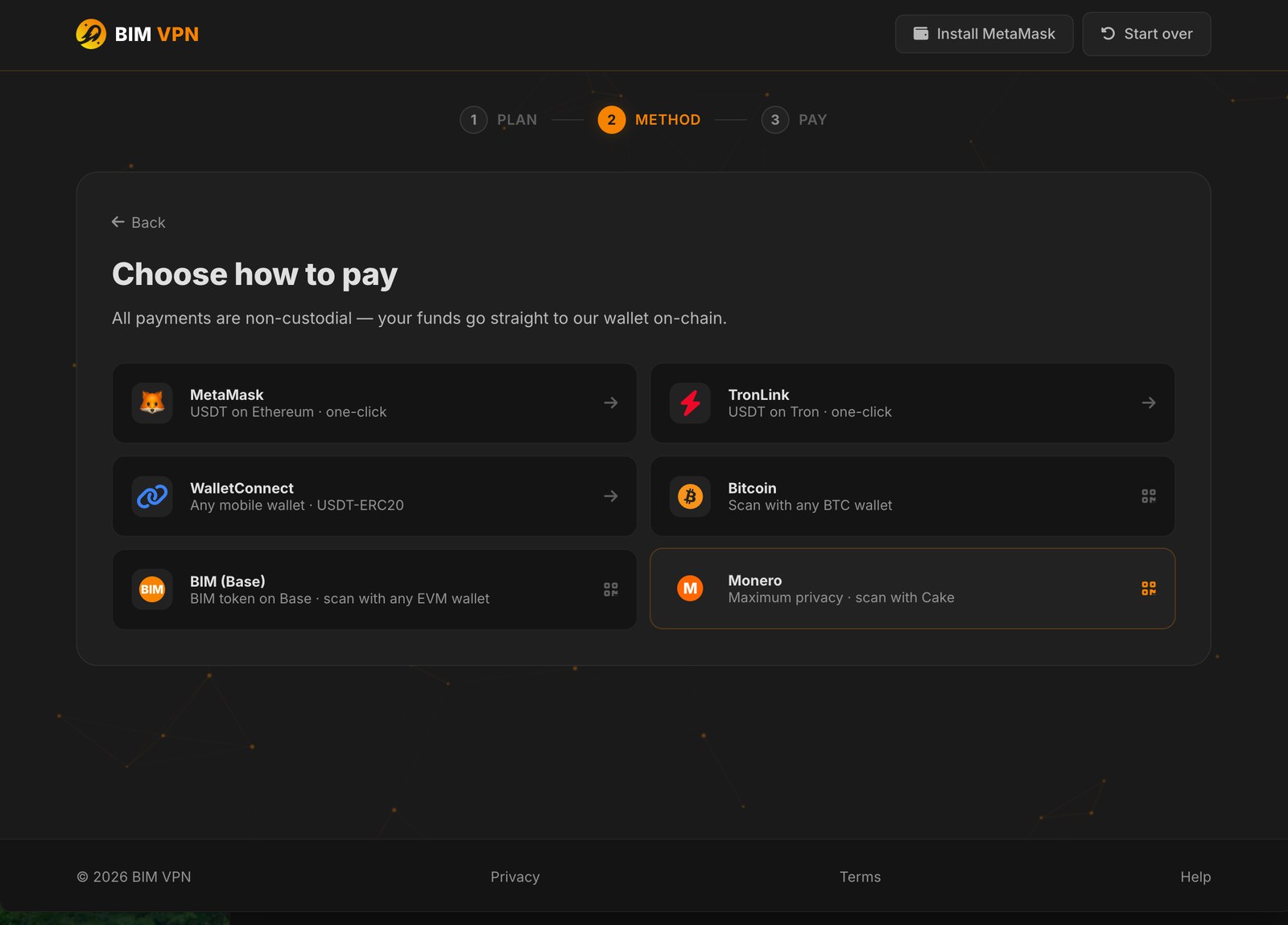
- On Choose how to pay, choose BIM (Base).
Step 3: pay the exact amount
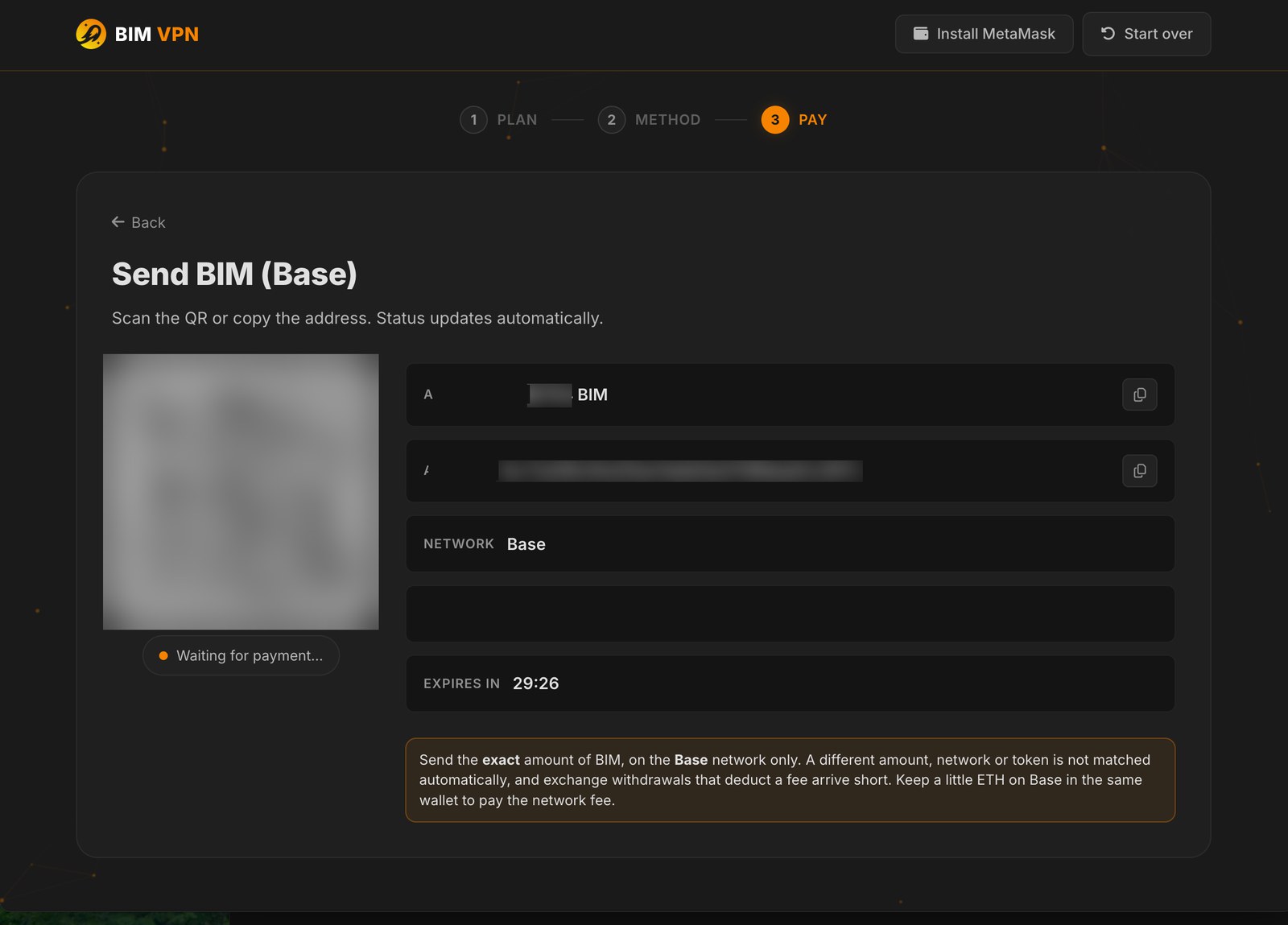
Your invoice shows the amount in BIM, the address to pay and a QR code.
- Send the exact amount shown to the address shown, on Base.
- Or scan the QR code: it opens your wallet with the amount already filled in.
Exact amount, on Base
The amount carries unique trailing digits that identify your payment. Send it exactly, in one transfer. A different amount, a transfer split in two, or a payment from an exchange that subtracts its fee is not matched to your invoice.
How the price is set
- BIM VPN plans are priced in US dollars.
- The BIM amount uses the market price: a 30-minute average from the Uniswap pool, converted to US dollars with Chainlink.
- That amount is frozen into your invoice for its 30 minutes. If the invoice expires, open checkout again for a new one at the current price.
Checkout can be paused for your safety
BIM checkout may be temporarily unavailable when market conditions are abnormal: very low liquidity, a sudden price move, or a stale price feed. This protects you from paying at a wrong price. Try again later, or pay with USDT, Monero or Bitcoin.
Step 4: wait for confirmation
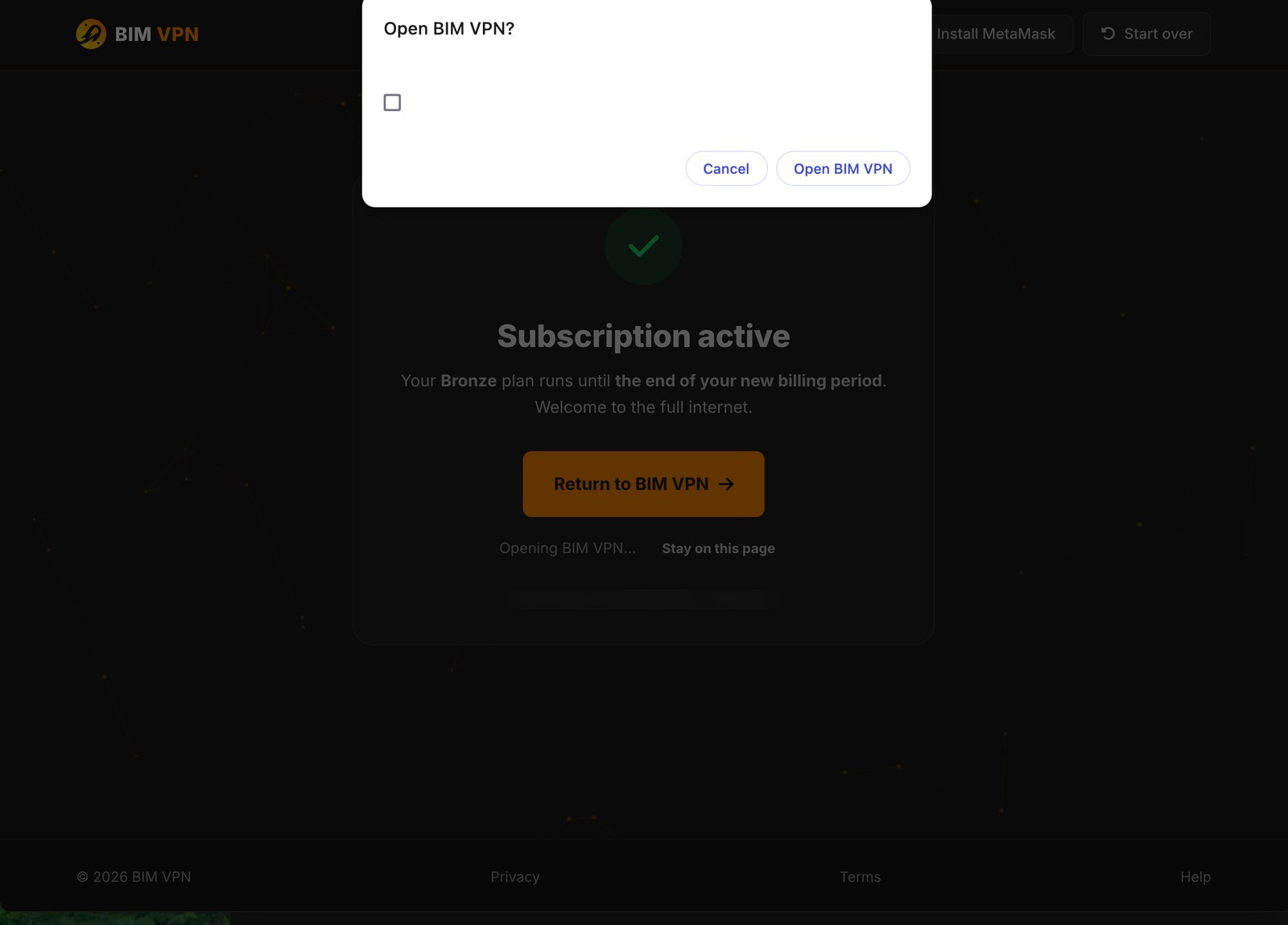
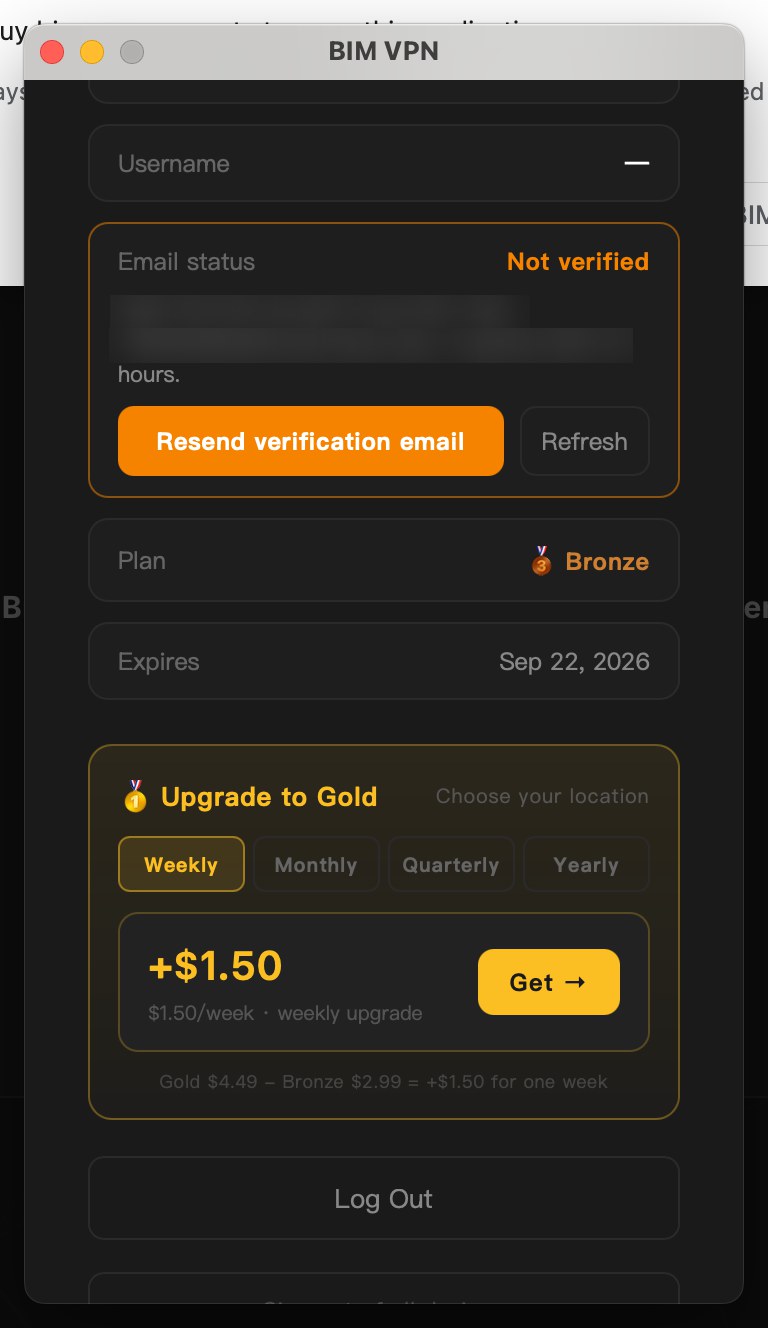
Your plan activates after about 30 confirmations on Base, roughly one minute. The checkout page shows Subscription active and sends you back to the app. You can close the page; your plan is credited either way.
Still pending? See Payment pending.