
Pay with USDT stablecoins
USDT is a stablecoin that tracks the US dollar, so the price you see is the price you pay. BIM VPN accepts USDT on two networks.
| USDT ERC-20 | USDT TRC-20 | |
|---|---|---|
| Network | Ethereum | Tron |
| Network fee paid in | ETH | TRX |
| Wallets on the checkout page | MetaMask, WalletConnect | TronLink |
| Accepted token contract | 0xdAC17F958D2ee523a2206206994597C13D831ec7 |
TR7NHqjeKQxGTCi8q8ZY4pL8otSzgjLj6t |
Only official Tether USDT on these contracts is counted. Other tokens called USDT are ignored.
Before you start
- Hold enough USDT for the plan, on the network you will pay on.
- Hold a little of the network's own coin for the fee: ETH for ERC-20, TRX for TRC-20. Without it the transfer cannot be sent.
- Have the BIM VPN app signed in. See Create and activate your account.
Step 1: open checkout from the app
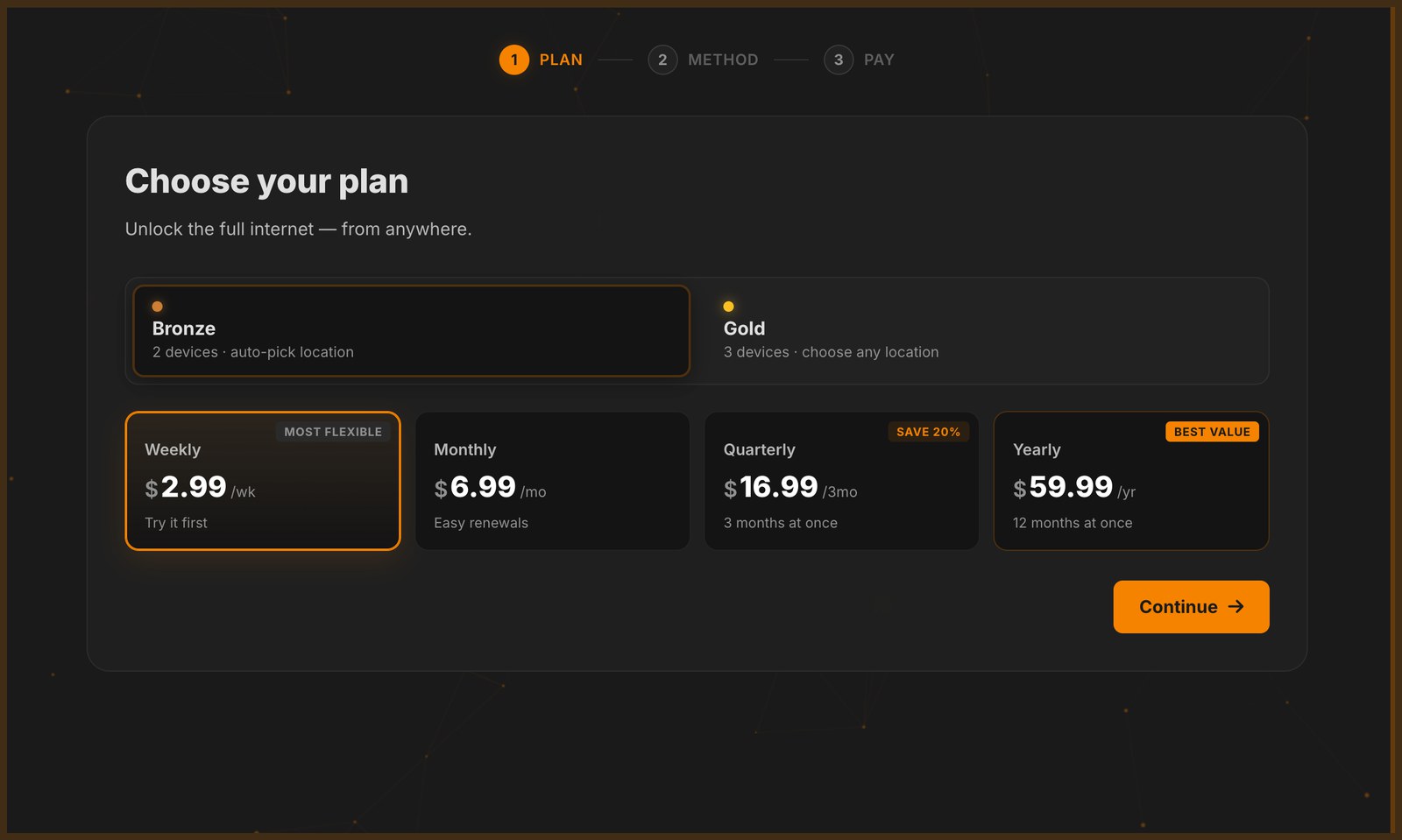
Click Log In / Upgrade and pick a plan. The app has no checkout of its own: it opens the checkout page buy.bimvpn.xyz in your system browser, linked to your account. The payment method, the invoice and the tracking all happen there.
Step 2: choose USDT
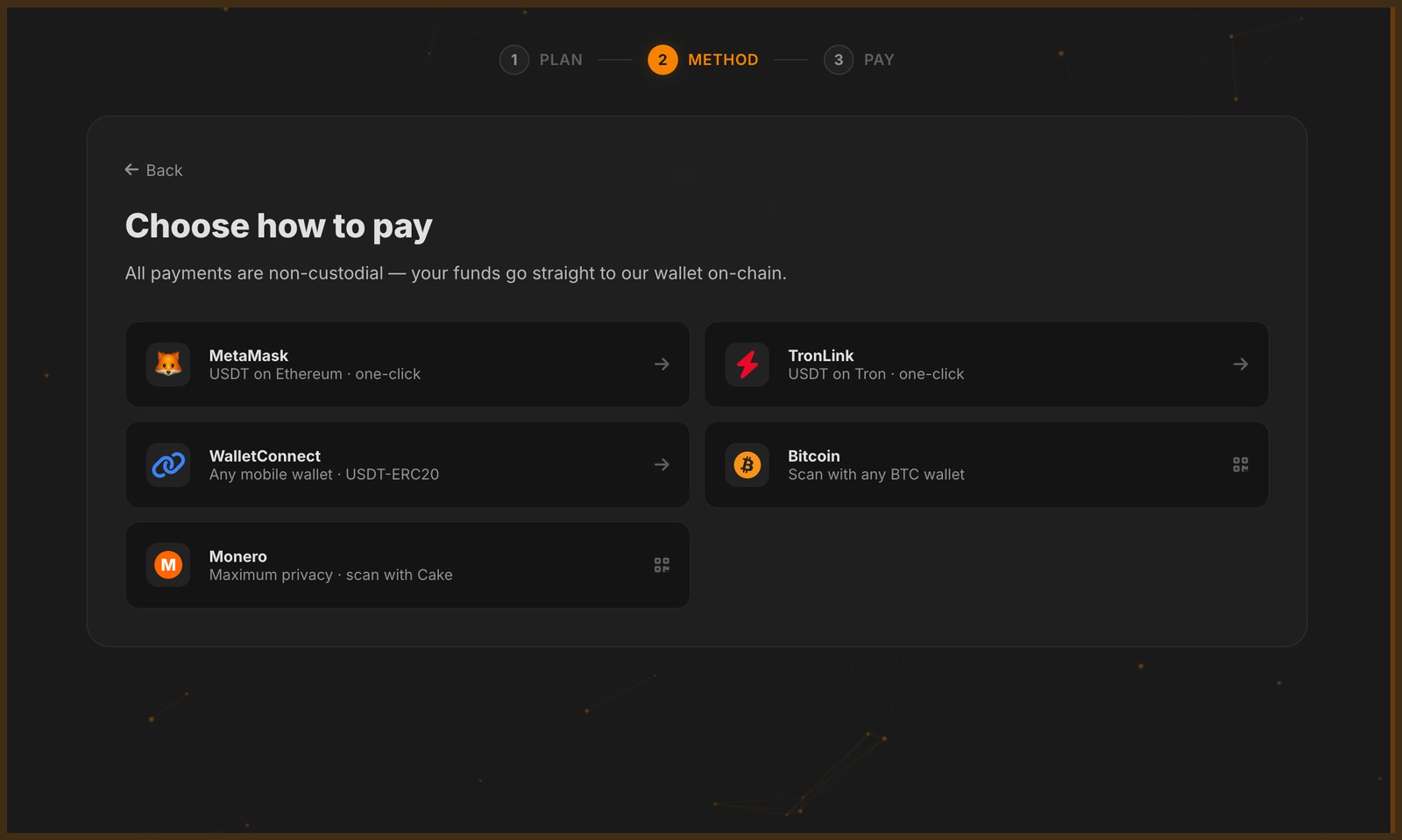
On Choose how to pay, pick:
- MetaMask: USDT on Ethereum, one click from the MetaMask browser extension.
- TronLink: USDT on Tron, one click from the TronLink extension.
- WalletConnect: USDT on Ethereum from a mobile wallet.
Step 3: pay the exact amount
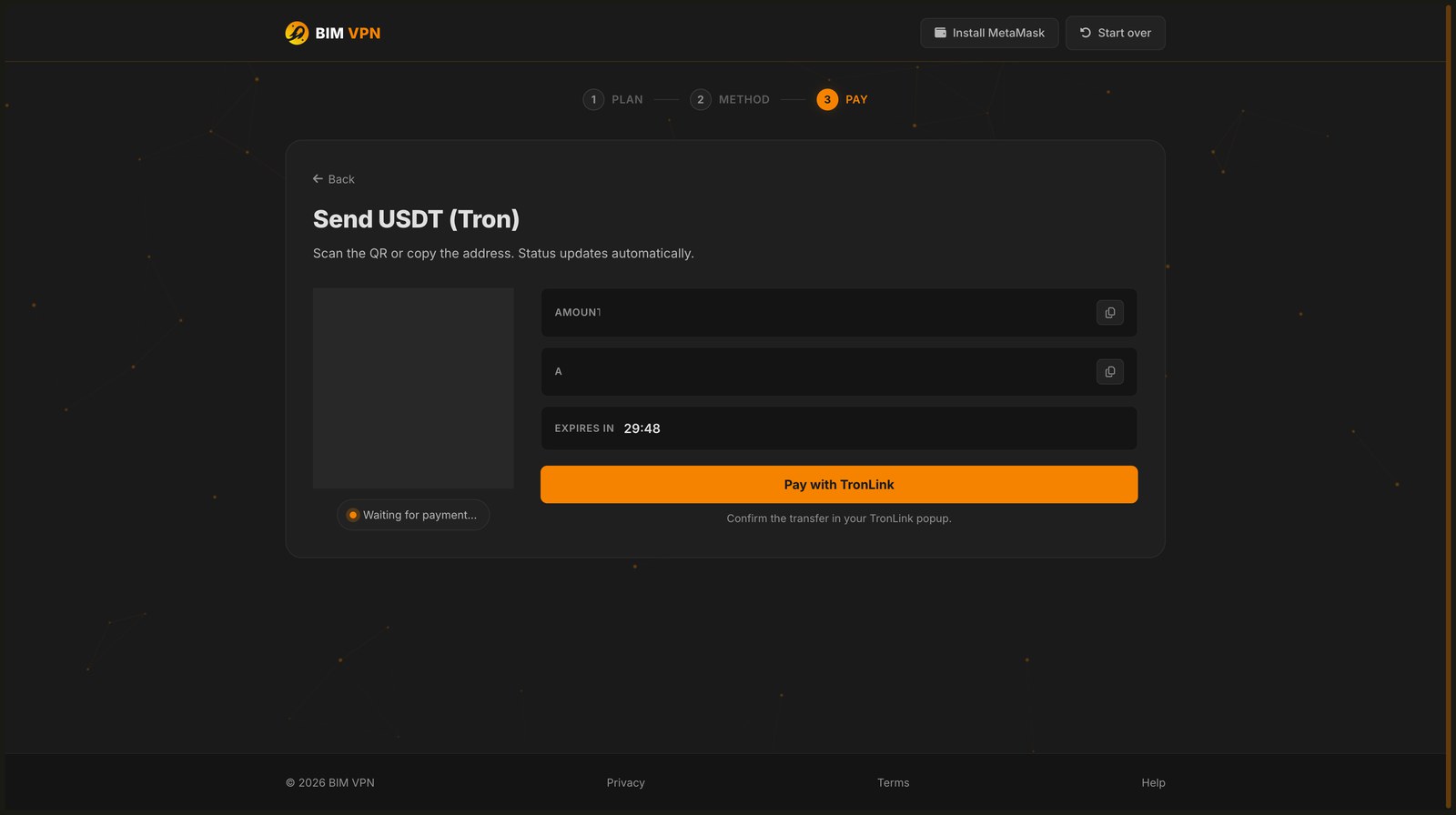
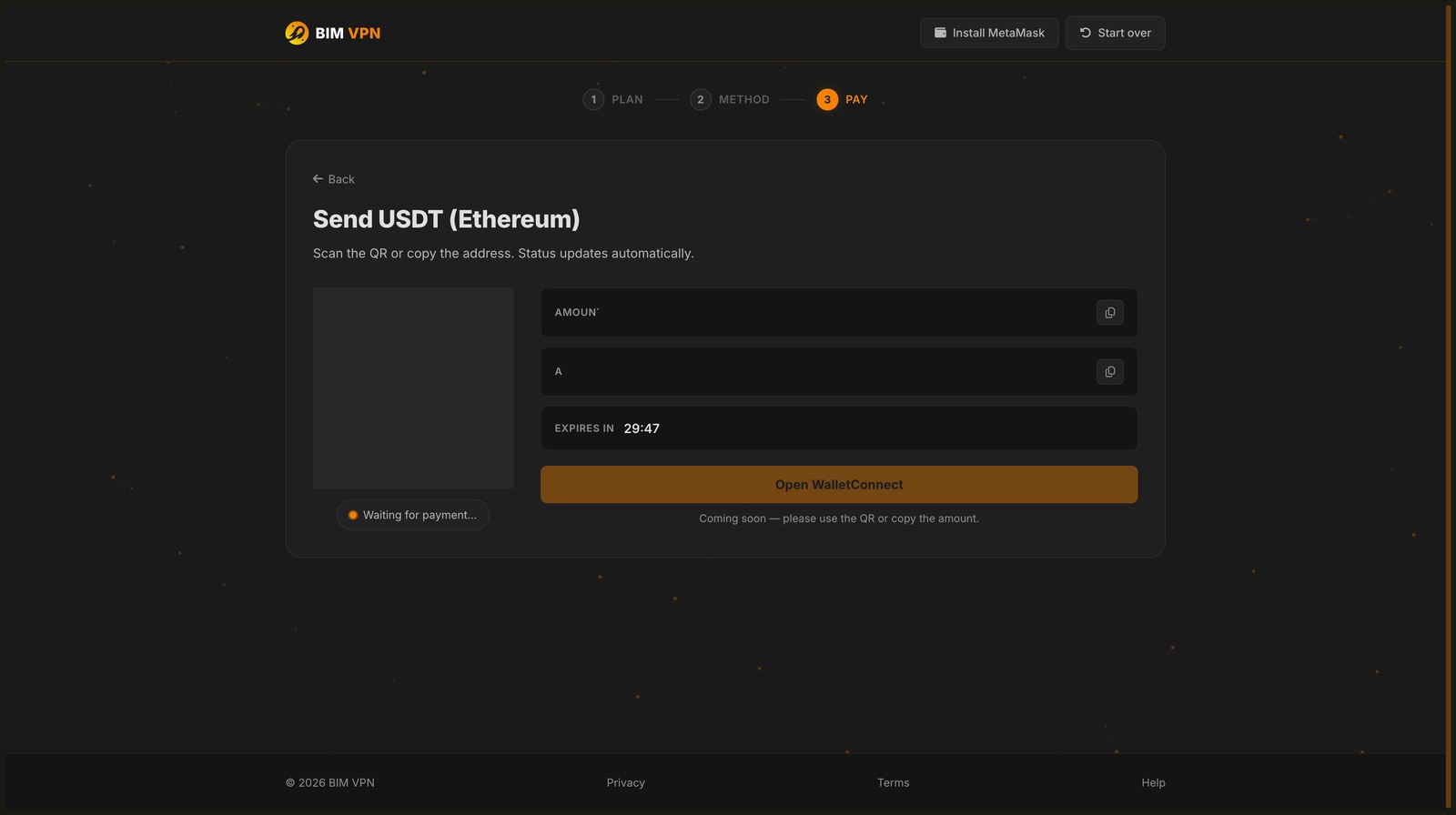
The invoice shows the amount, the address, a QR code and a 30 minute countdown.
- USDT on Tron: click Pay with TronLink and confirm the transfer in the TronLink popup.
- USDT on Ethereum: if the invoice shows Coming soon under the wallet button, scan the QR code or copy the address and the amount instead.
- Paying from any other wallet: send exactly the amount shown, all six decimals, to the address shown, on the right network.
Exact amount, right network
The last decimals of the amount identify your invoice. A payment that is short or over by even 0.000001 USDT, or sent on the other network, is not matched to your account.
Paying from an exchange
Many exchanges subtract their withdrawal fee from the amount you enter, or round decimals. The payment then arrives with a different amount and is not matched. Withdraw to your own wallet first, then pay from it.
Step 4: wait for confirmation
BIM watches the address through public blockchain explorers (Etherscan for Ethereum, Tronscan for Tron). When your transfer shows up with the exact amount, the invoice turns paid, the page shows Subscription active and sends you back to the app.
This usually takes a few minutes after your wallet sends. You can close the page; your plan is credited either way. Reopen the app to see it.
Once the transfer confirms on the network, the page shows the same confirmation as any other coin and your plan activates immediately.
Still pending? See Payment pending.
ERC-20 or TRC-20?
- TRC-20 network fees are usually lower, and Tron confirms quickly.
- ERC-20 fits if your USDT is already on Ethereum or in MetaMask.
Both are credited the same way.