
Pay with Monero (XMR)
Monero is a cryptocurrency built for privacy. It is the most private way to pay for BIM VPN, but it is not magic. Read what it hides and what it does not before you rely on it.
What Monero hides
On a public blockchain such as Bitcoin or Ethereum, anyone can see which address paid which address, how much, and follow the money afterwards. Monero hides that from outside observers:
- Who paid. Your transaction is mixed with other possible senders (ring signatures).
- Where it went. Every payment goes to a one-time address (stealth addresses), so our address does not appear on the chain.
- How much. Amounts are hidden (RingCT).
Someone looking at the Monero blockchain cannot link your wallet to a BIM VPN payment.
What Monero does not hide
- From BIM VPN: that your account paid. We see the incoming amount so we can match it to your invoice, and the invoice belongs to your account. If you registered with an email, that email is on the account. Register with a username only for an anonymous account.
- Where you got the XMR. If you bought it on an exchange that verified your identity, that exchange knows you bought Monero and where you withdrew it.
- Your IP address. The checkout page is opened in your browser, and many wallets connect to a remote Monero node that sees your IP. Use a trusted node, or a VPN or Tor, if that matters to you.
- Timing. An invoice created and a payment sent a minute later can be linked by anyone who sees both.
- What you share. A transaction id or payment proof you send to someone reveals that payment to them.
Before you start
- A Monero wallet with enough XMR. The checkout page suggests Cake Wallet; any Monero wallet works.
- The price is set in US dollars and converted to XMR at the market rate when the invoice is created.
Step 1: open checkout from the app
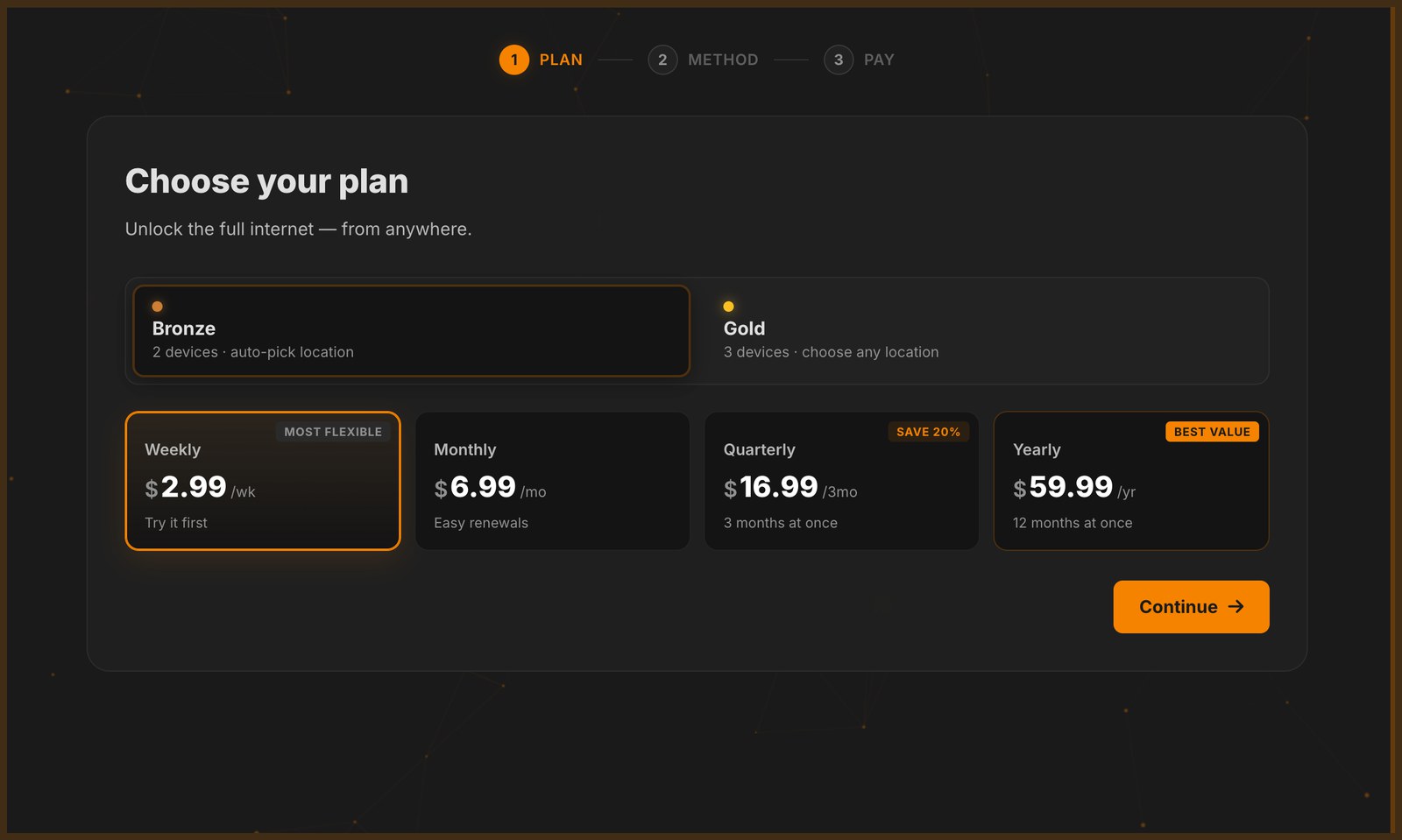
Click Log In / Upgrade and pick a plan. The app has no checkout of its own: it opens buy.bimvpn.xyz in your system browser, linked to your account, and the payment happens there.
Step 2: choose Monero
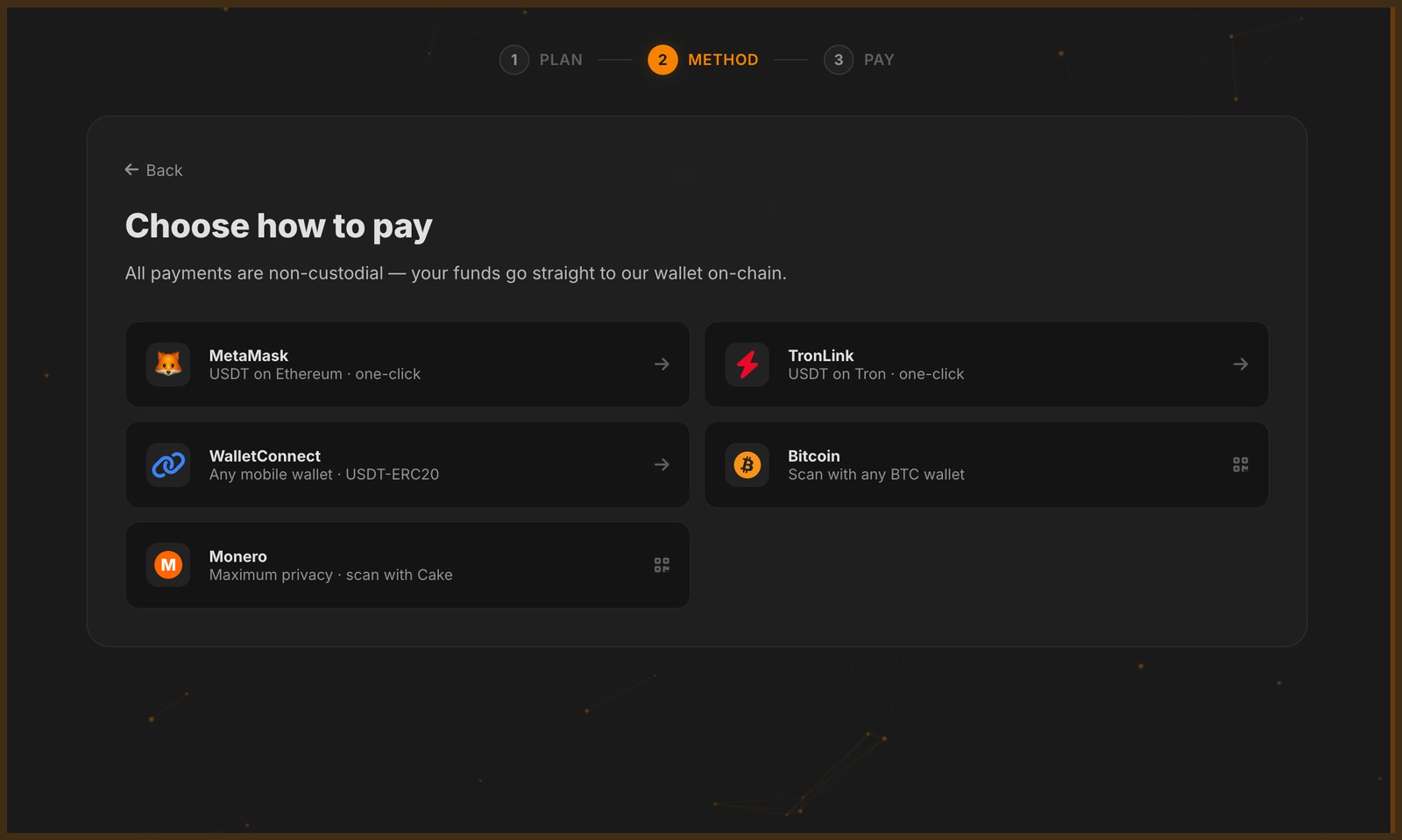
On Choose how to pay, pick Monero.
Step 3: pay the exact amount
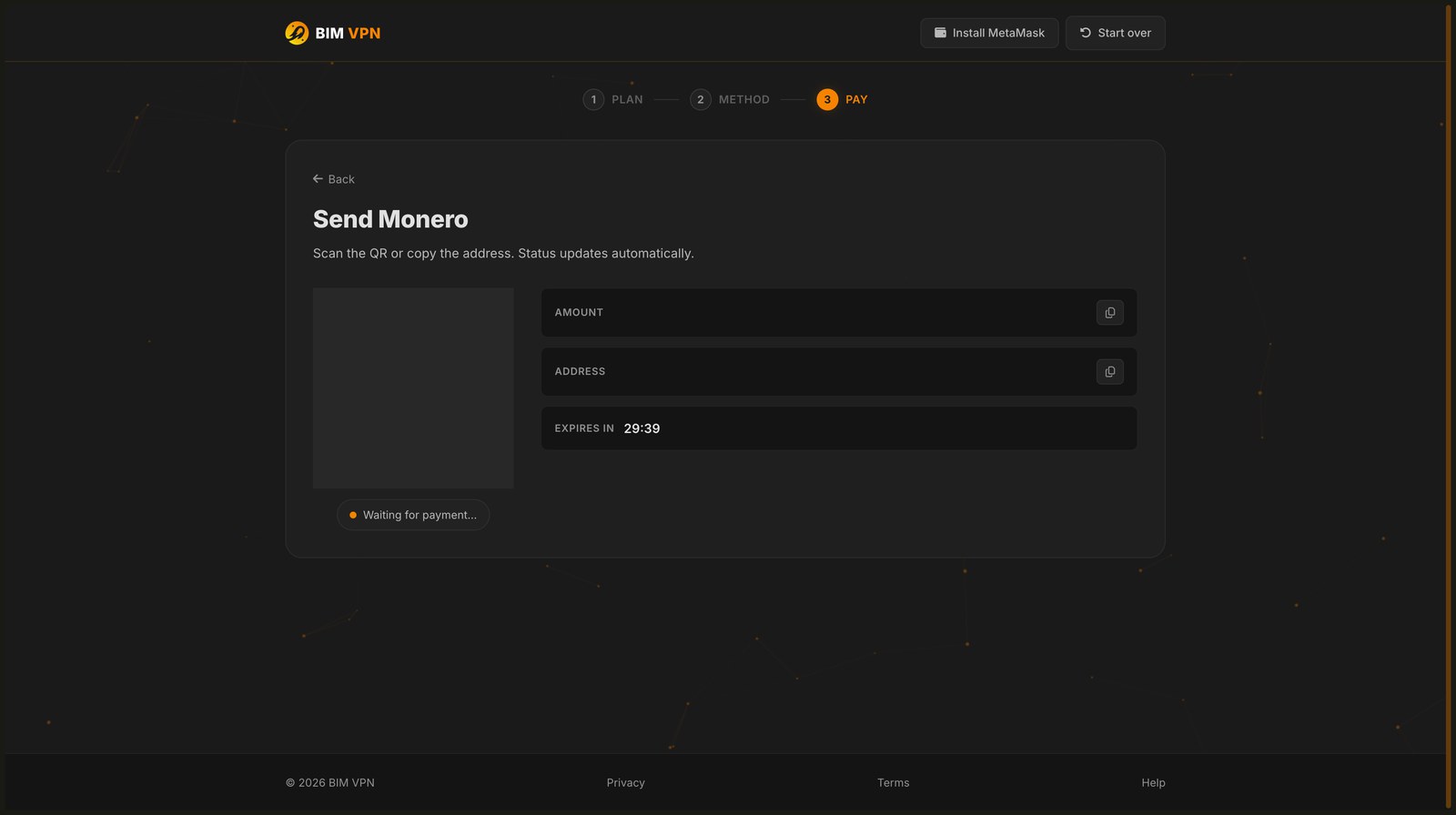
The invoice shows the amount in XMR, the address, a QR code and a 30 minute countdown.
- Scan the QR code with your wallet. It fills in the address and the amount.
- Check that the amount matches to the last digit, then send.
Exact amount
The amount has up to 12 decimals and its last digits identify your invoice. A different amount, even by the smallest unit, is not matched to your account. Do not pay from an exchange that subtracts its fee from the amount.
Step 4: wait for confirmation
BIM's view-only wallet sees your payment as soon as it reaches the Monero network, before it is mined. The invoice turns paid, the page shows Subscription active and sends you back to the app. You can close the page; your plan is credited either way.
Once the payment confirms on the network, the page shows the same confirmation as any other coin and your plan activates immediately.
Still pending? See Payment pending.