
Plans and prices
BIM VPN is paid in cryptocurrency, straight to our wallet on-chain. Prices are set in US dollars and converted into the coin you pick when the invoice is created.
Plans
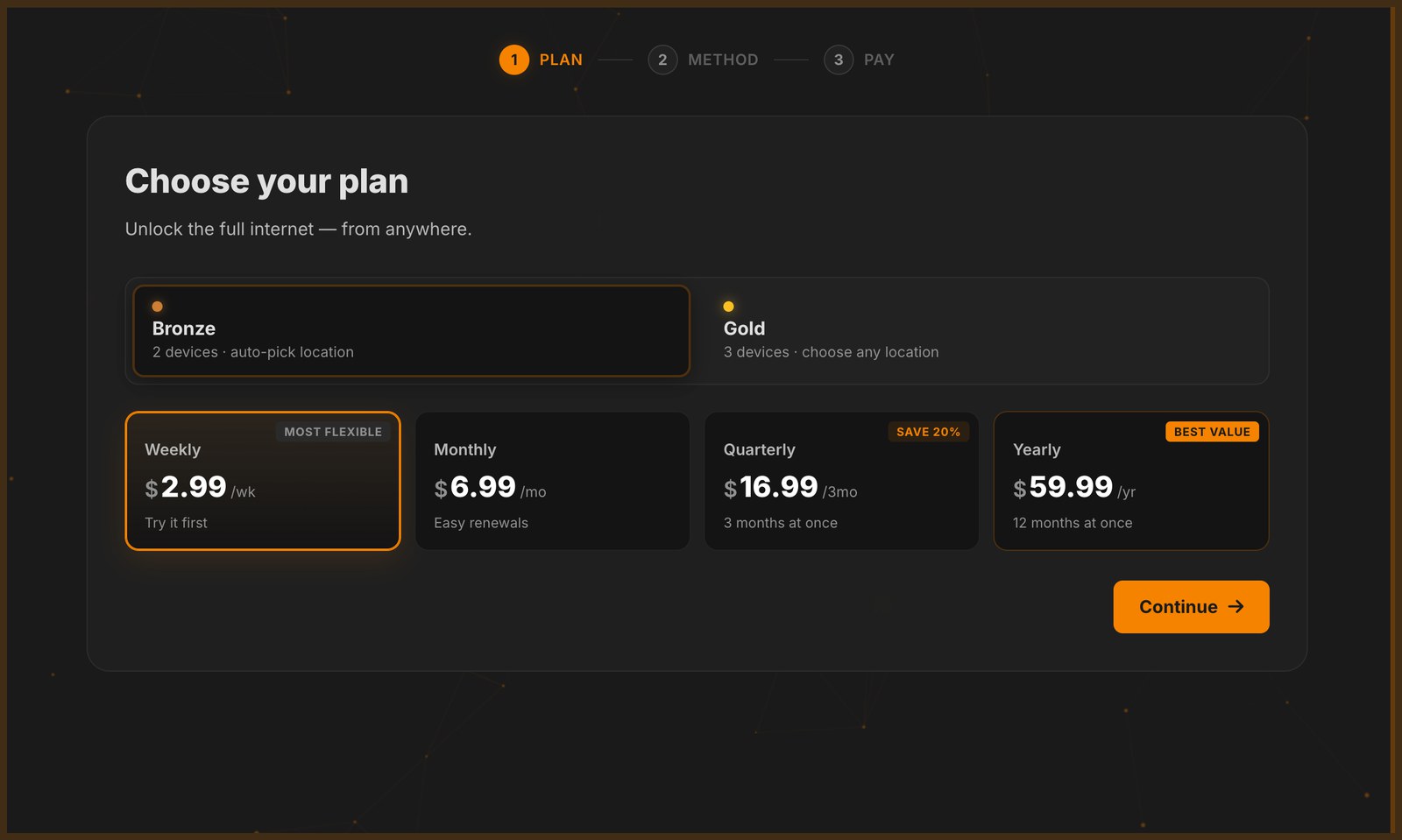
| Bronze | Gold | |
|---|---|---|
| Devices | 2 | 3 |
| Location | Picked automatically | Choose any location |
| Weekly (7 days) | $2.99 | $4.49 |
| Monthly (31 days) | $6.99 | $9.99 |
| Quarterly (92 days) | $16.99 | $22.99 |
| Yearly (366 days) | $59.99 | $80.99 |
Without a plan you get 60 minutes of free use per day.
How checkout works
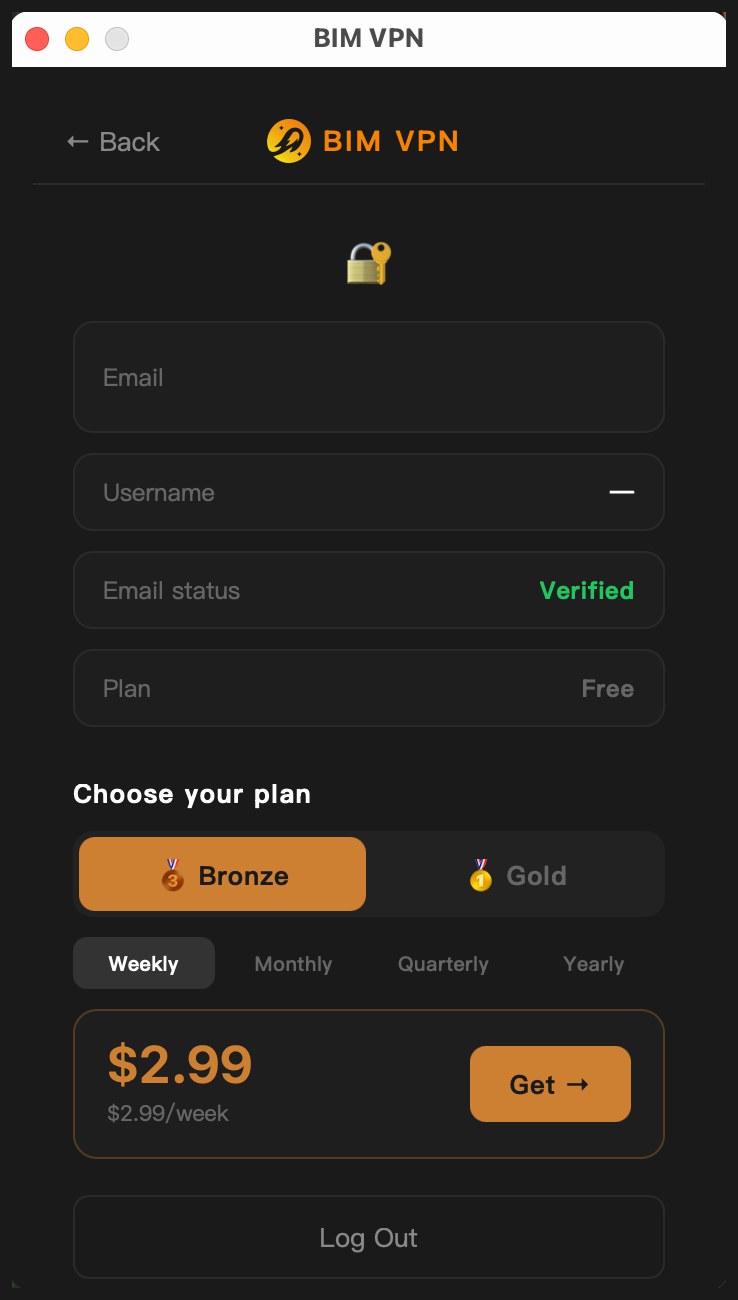
- In the app, log in and click Account (or Log In / Upgrade). Under Choose your plan, pick Bronze or Gold and a period, then click Get. The app opens the checkout page at
buy.bimvpn.xyzin your browser, already linked to your account. You never paste a password into the browser. - Choose your plan: Bronze or Gold, and a period.
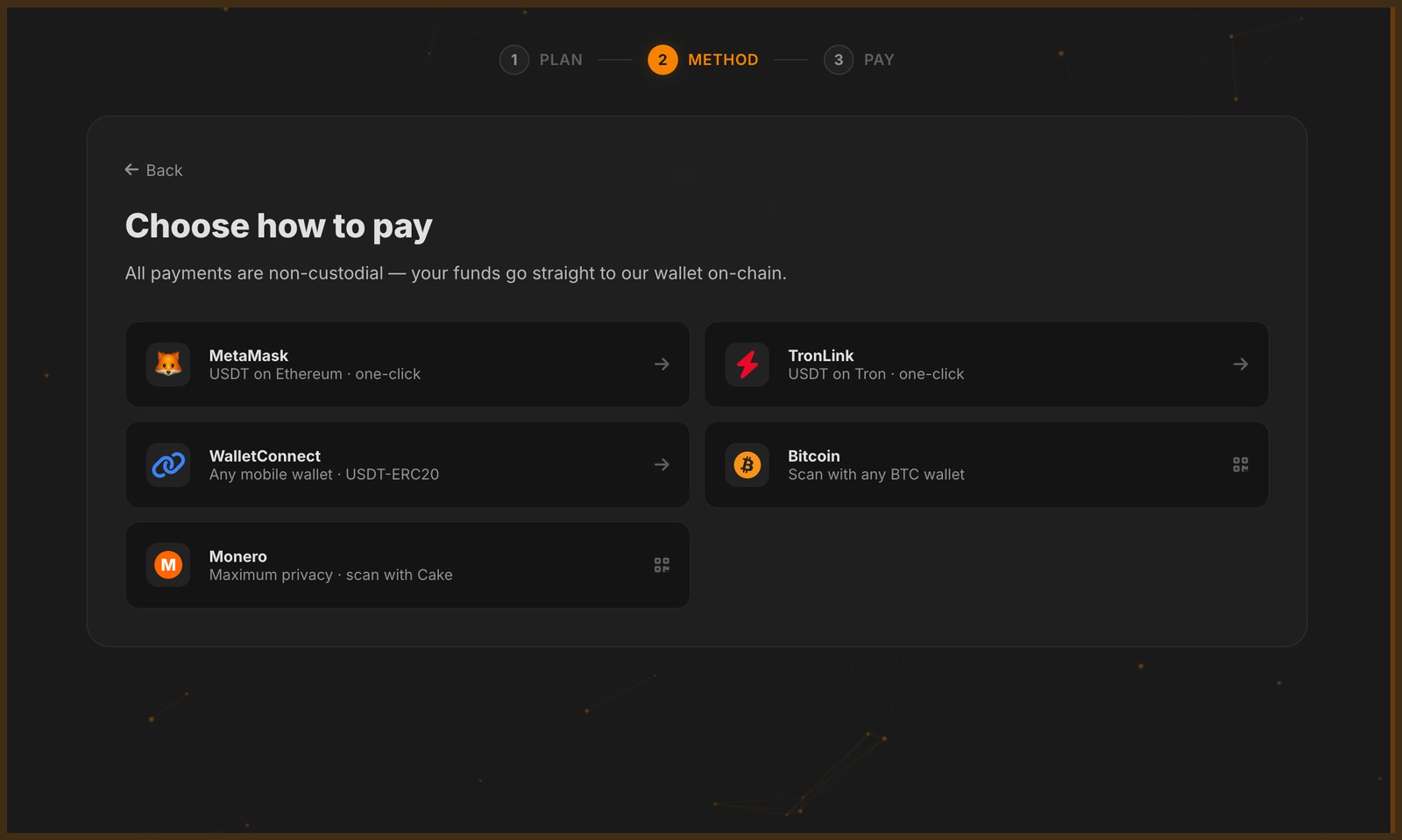
- Choose how to pay: MetaMask (USDT on Ethereum), TronLink (USDT on Tron), WalletConnect (USDT on Ethereum from a mobile wallet), Bitcoin, Monero, or BIM (Base).
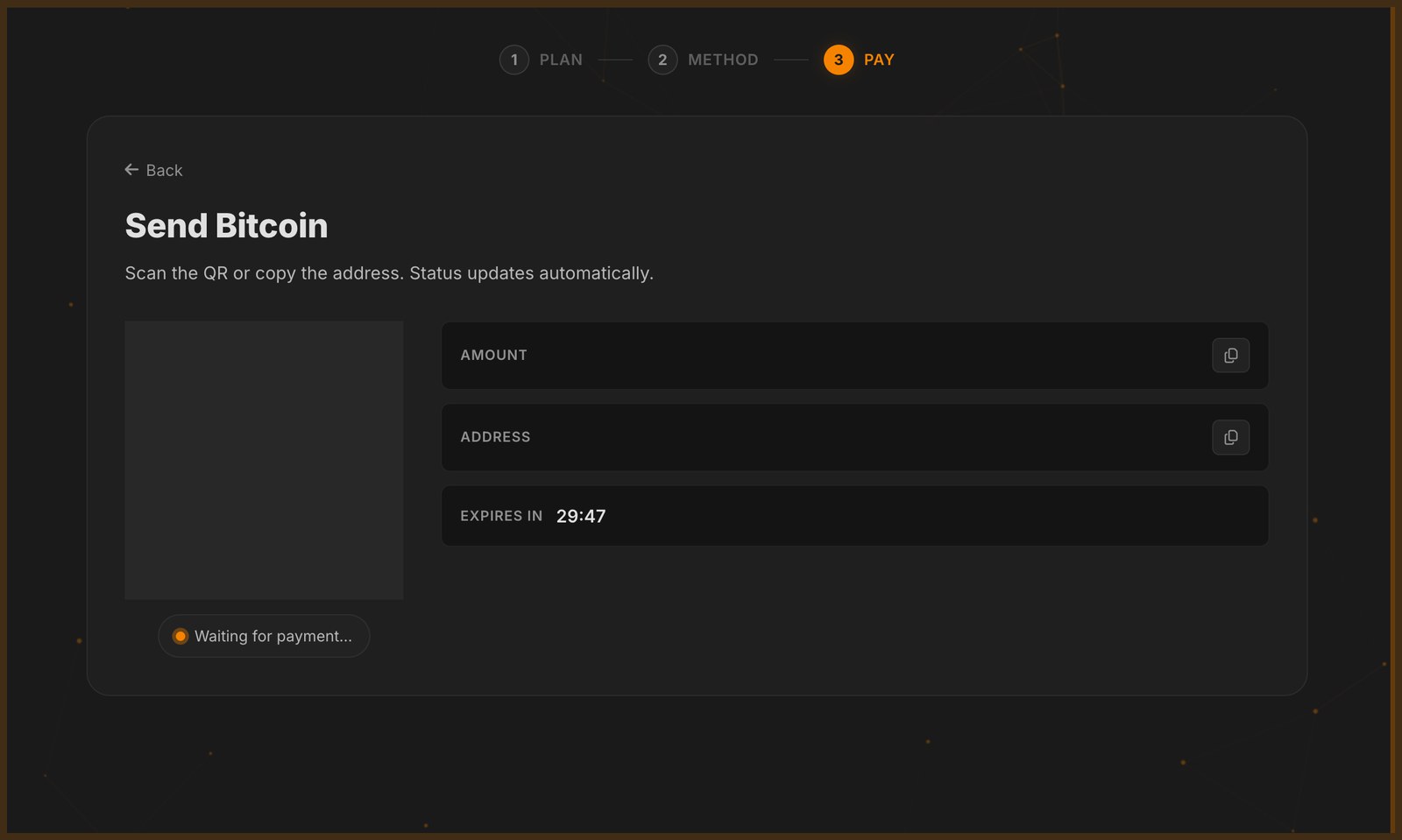
- Pay: the page shows the exact amount, the address, a QR code and a countdown. The status updates by itself.
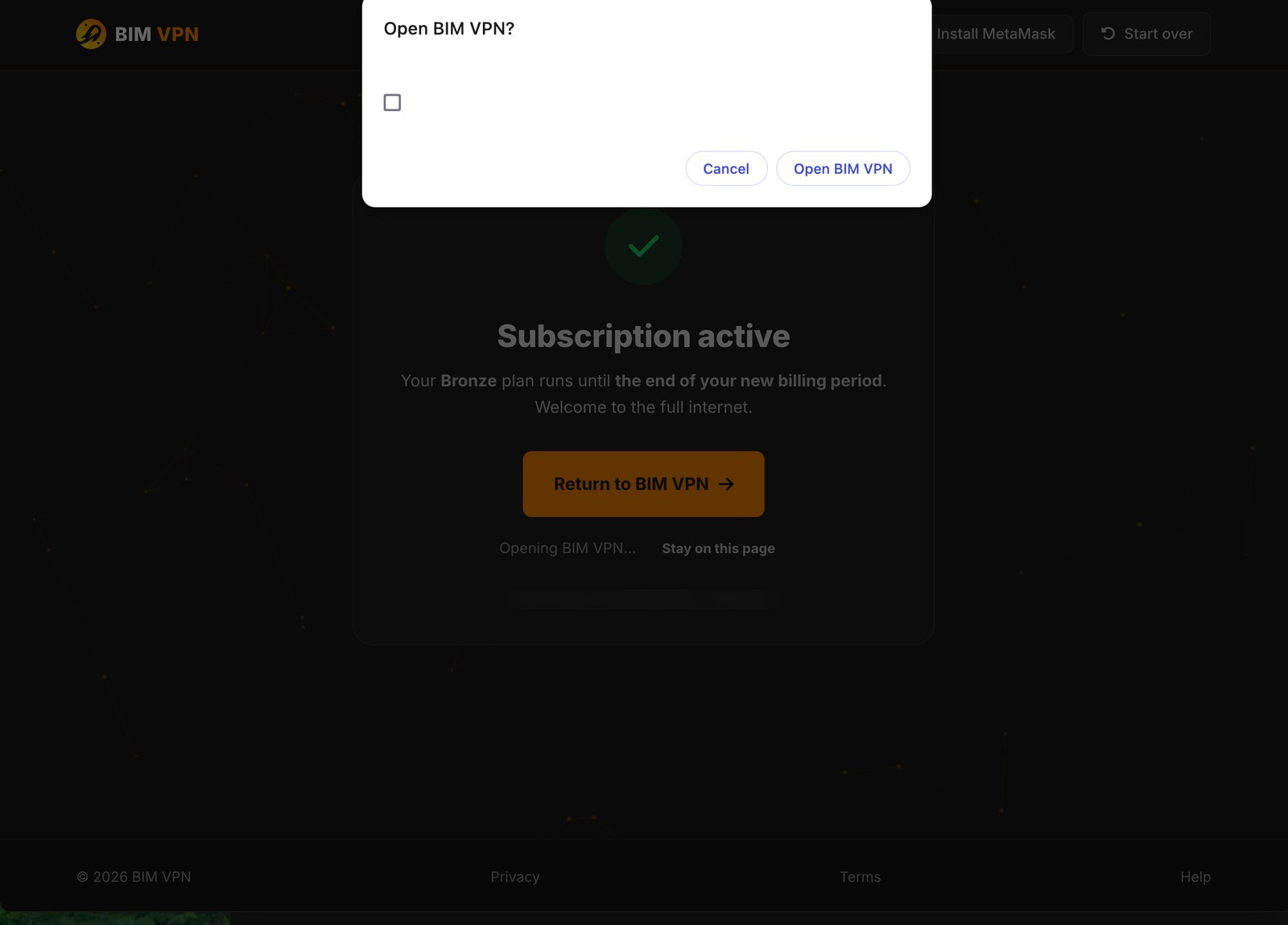
- When the payment is detected the page shows Subscription active and sends you back to the app, which refreshes your plan.
The app has no checkout of its own
On macOS and Windows alike, choosing a plan in the app opens buy.bimvpn.xyz in your system browser. The payment method, the invoice and the payment tracking all happen on that page. The app only picks up the result afterwards.
Rules that apply to every payment
- An invoice is valid for 30 minutes. After that it expires and you need a new one.
- Send the exact amount shown, to the last decimal. The last digits of the amount are unique to your invoice; that is how your payment is matched to your account.
- The checkout link from the app is valid for one hour. If it has expired, open it again from the app.
- Switching method is allowed. Picking another coin cancels the previous pending invoice and creates a new one.
- Renewing adds time. A new period starts from the end of your current subscription, not from today, so paying early does not lose days.
Pick a payment method
- Pay with USDT stablecoins: stable price, fast.
- Pay with Monero (XMR): the most private option.
- Pay with BIM token: BIM on Base, at the market price.